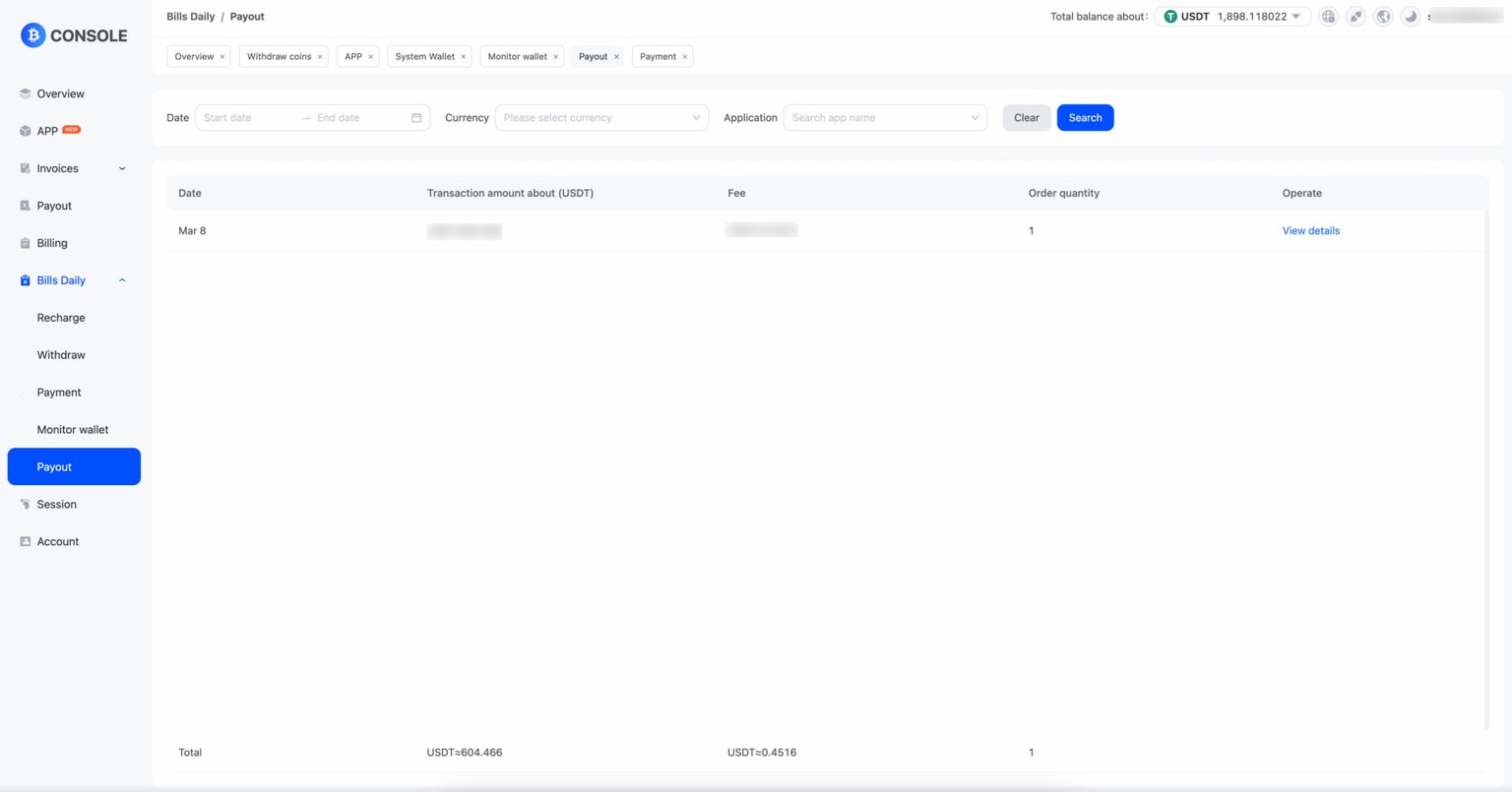
Payout report statistics of the daily transaction amount, the number of orders, handling fees. Payout records can query the amount of payment, payee information, Payout status, Payout time and other related information. Through the payout report and payment records, enterprises can clearly understand the situation of their payment activities, including the distribution of the payment amount, the implementation of payout payout fees and other information, so as to carry out fund management and financial analysis.
- Click “App” and then ‘View’ to access the app list. Select the API application that you want to view the Payout report and click "Payout".
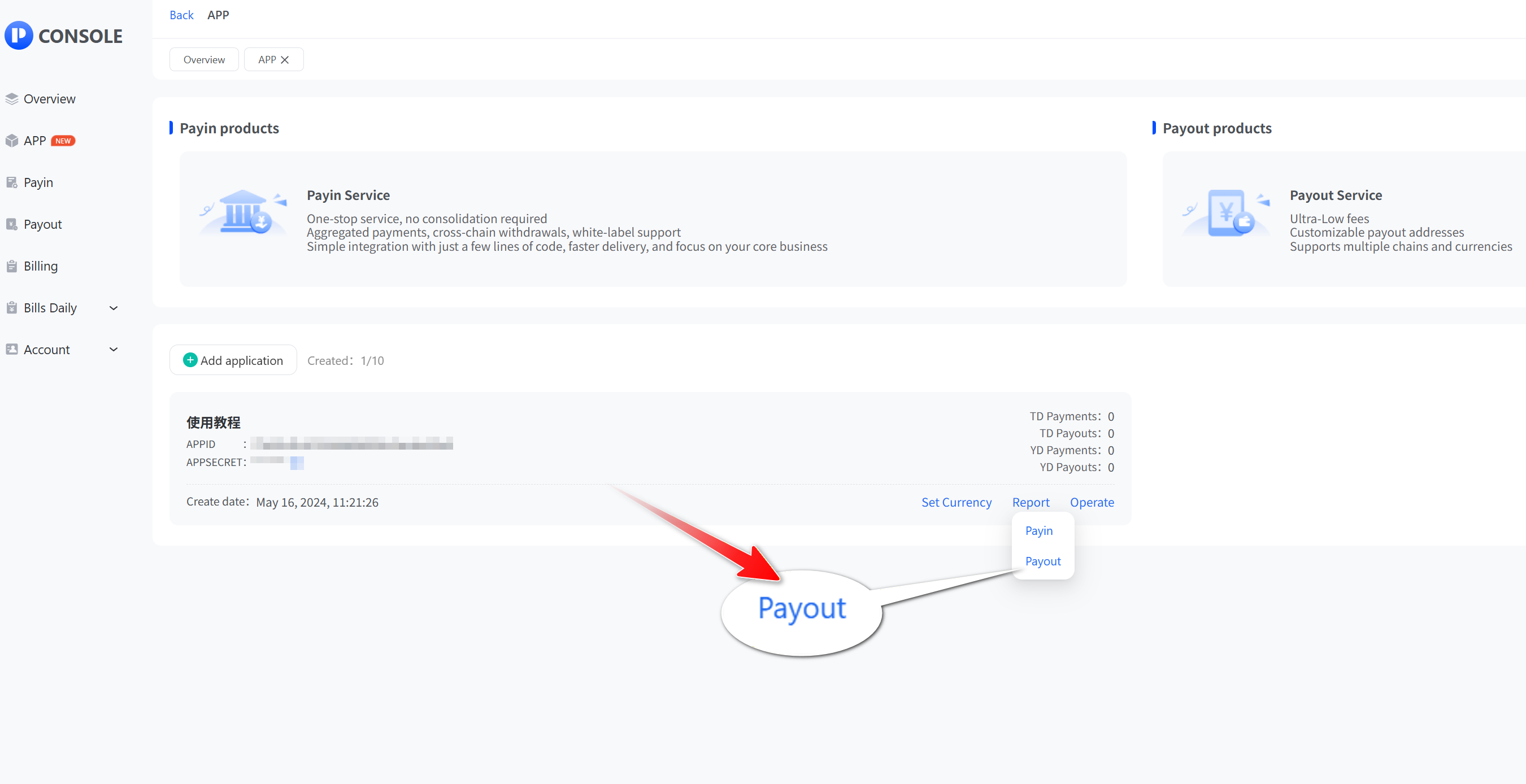
- In Payout, you can query the daily report by application. In Payout , you can query the details of each order.