Payin functions can be integrated into your application or website by accessing the API. The API interface also provides real-time access to payin-related data and reports, including transaction records, payin status, and fund flows, helping you with real-time monitoring and management.
Before accessing the API payment, you need to complete the registration operation.
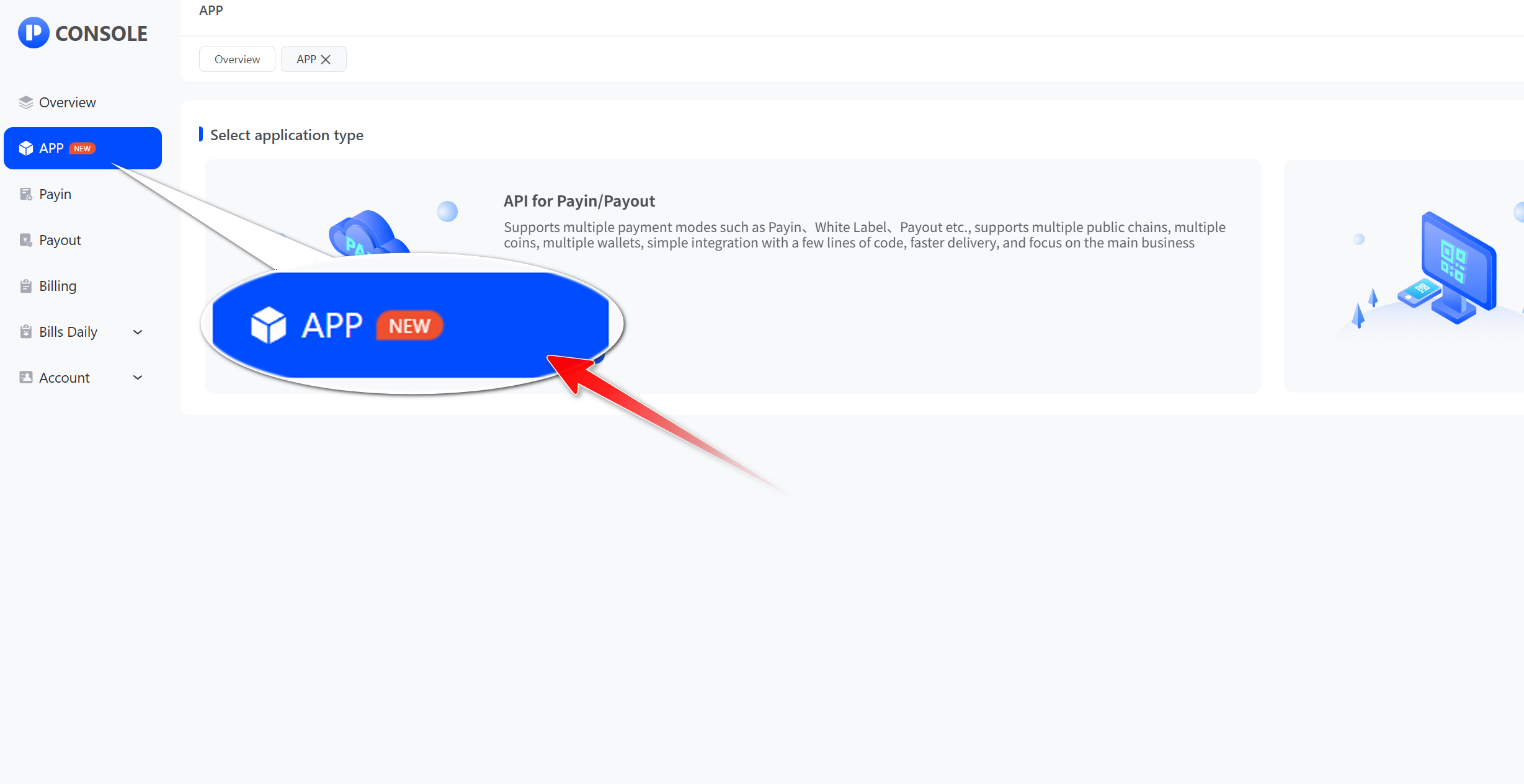
- Click "App"
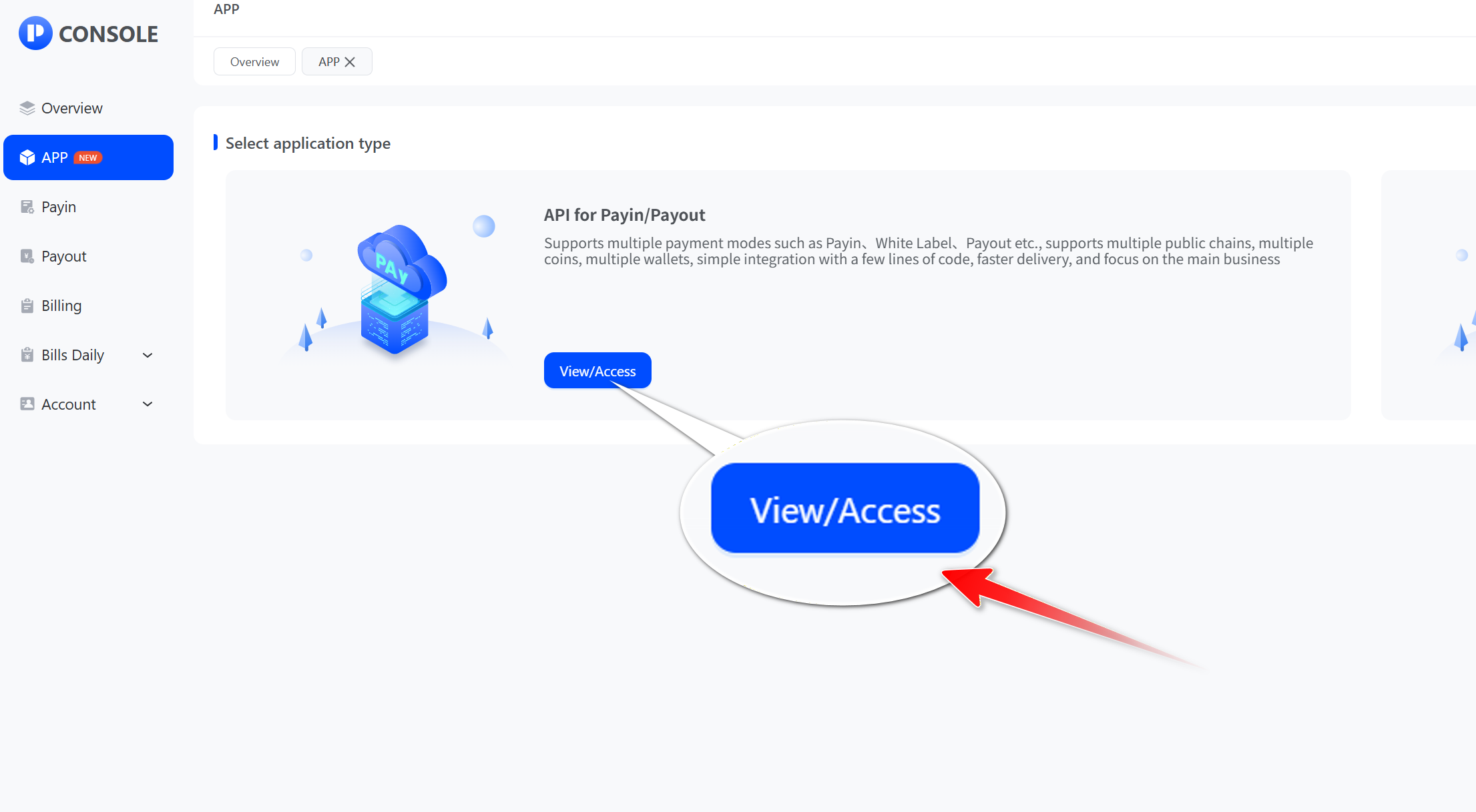
- Select API access to payin and click "Access"
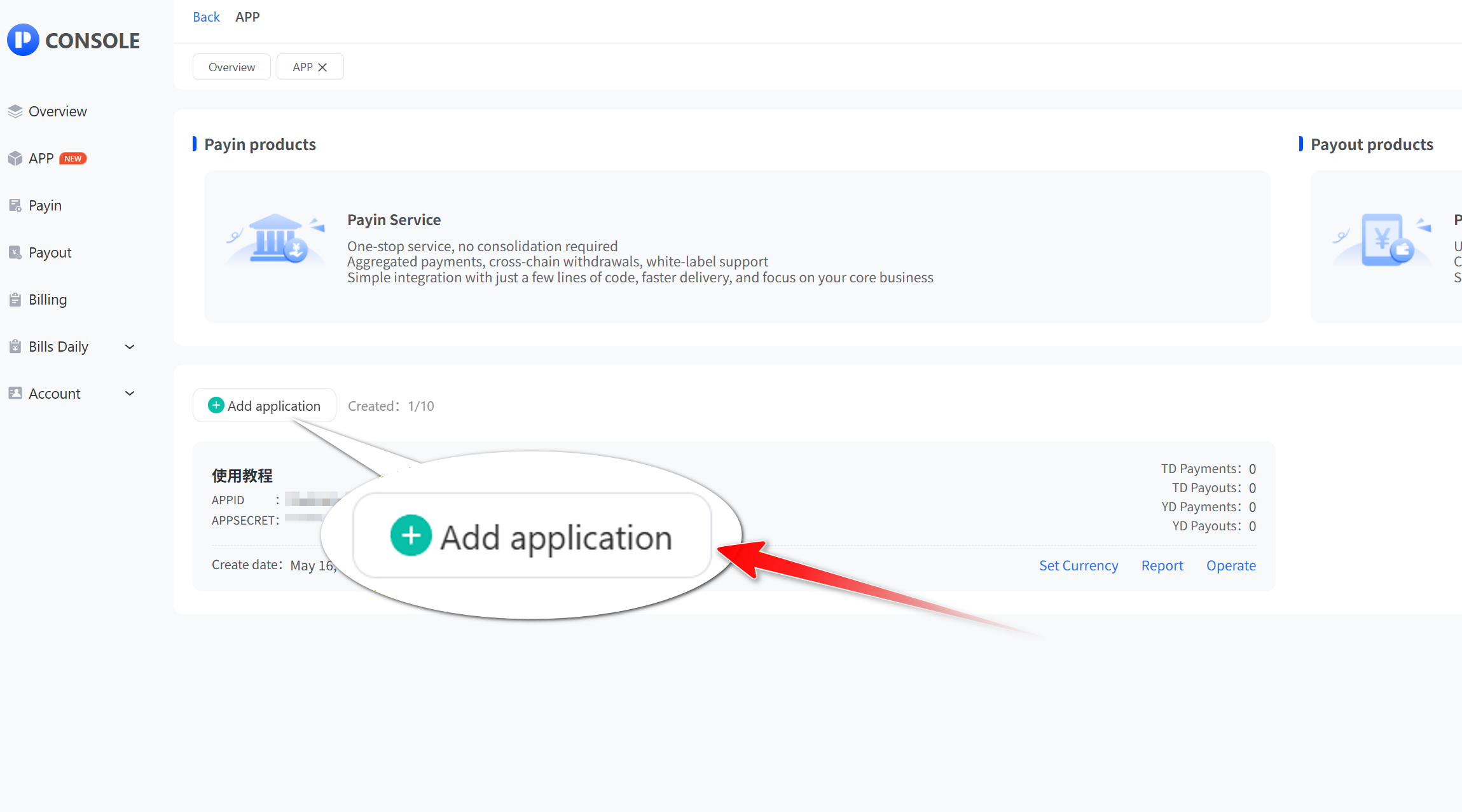
- Click "Add application"
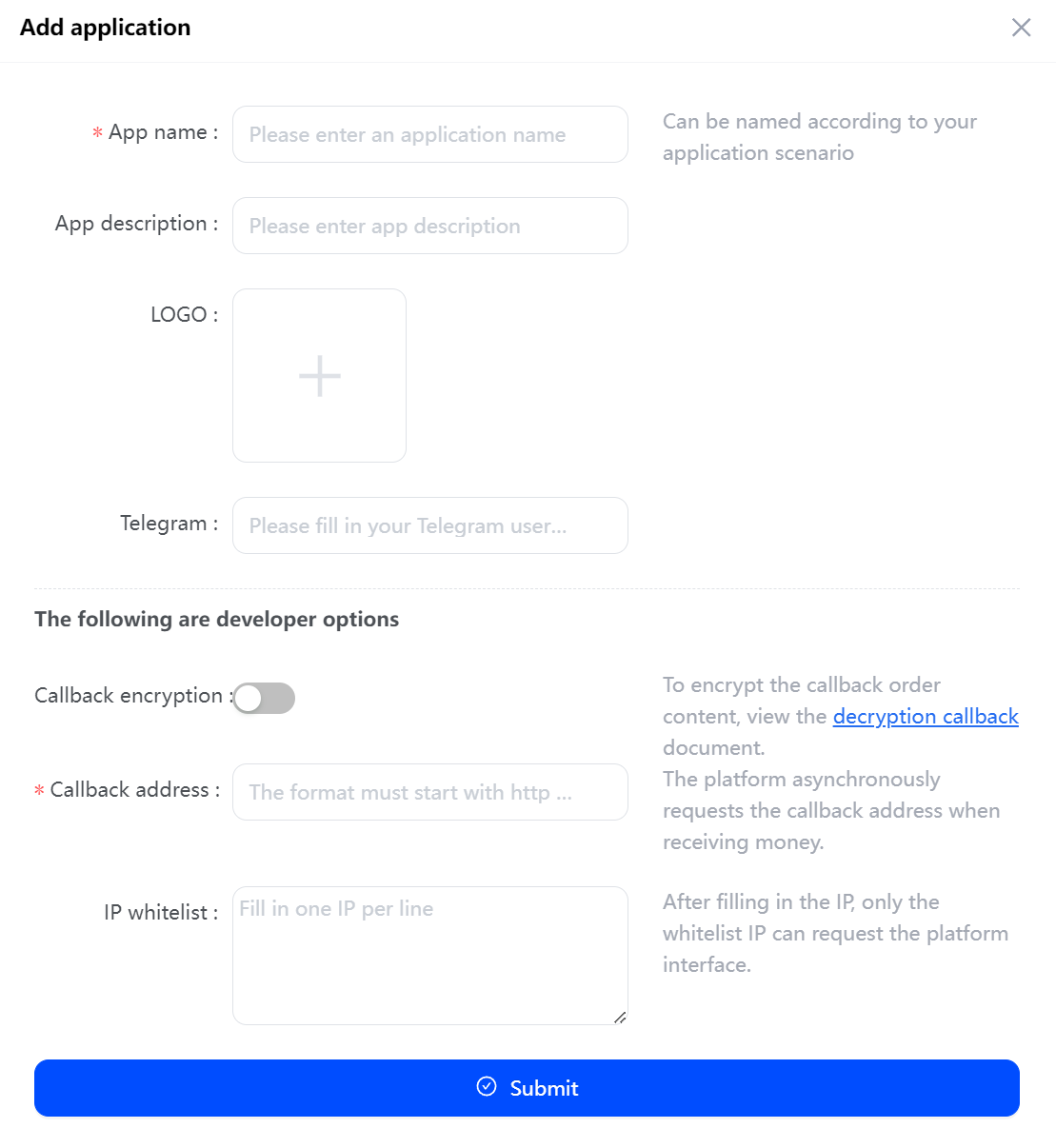
- Fill in the App name, Callback address, etc. and click "Submit".
- After successful creation, we can see the newly added API application and will produce APP_ID and APP_SECRET for API calls, and then refer to the API documentation for operation. Tip: APP_ID and APP_SECRECT are very important, please don't show them in any web code, URL parameter!
_igbe7@mel6dgbz@1536x753.jpg)