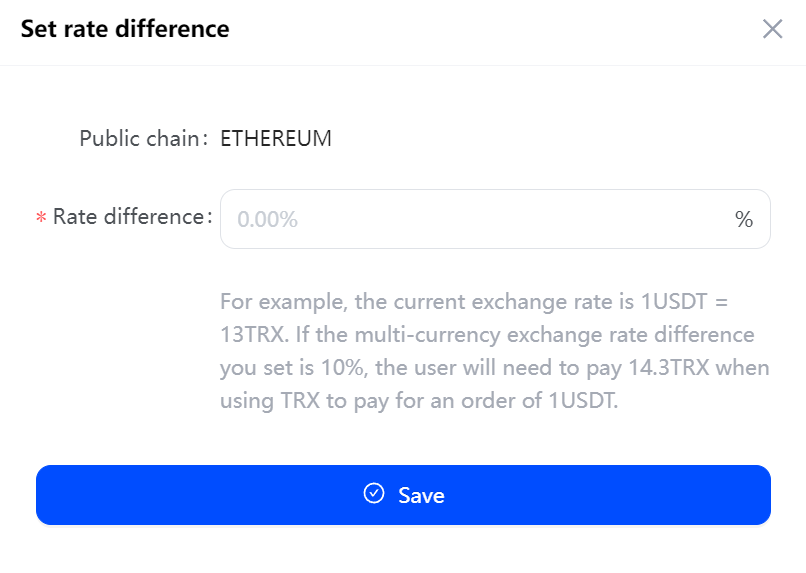
Setting the currency exchange rate difference can effectively minimize the risk of receiving insufficient amount due to exchange rate fluctuations. For example, the current exchange rate is 1USDT=13TRX, if you set the multi-currency exchange rate difference to 10%, when the user pays for a 1USDT order with TRX, he/she needs to pay 13+1.3=14.3TRX.
- Click “App” and then ‘View’ to access the app list. Select the API app you want to configure, click “Set Currency,” go to the multi-currency payment page, click “Set multi-currency exchange rate difference”.
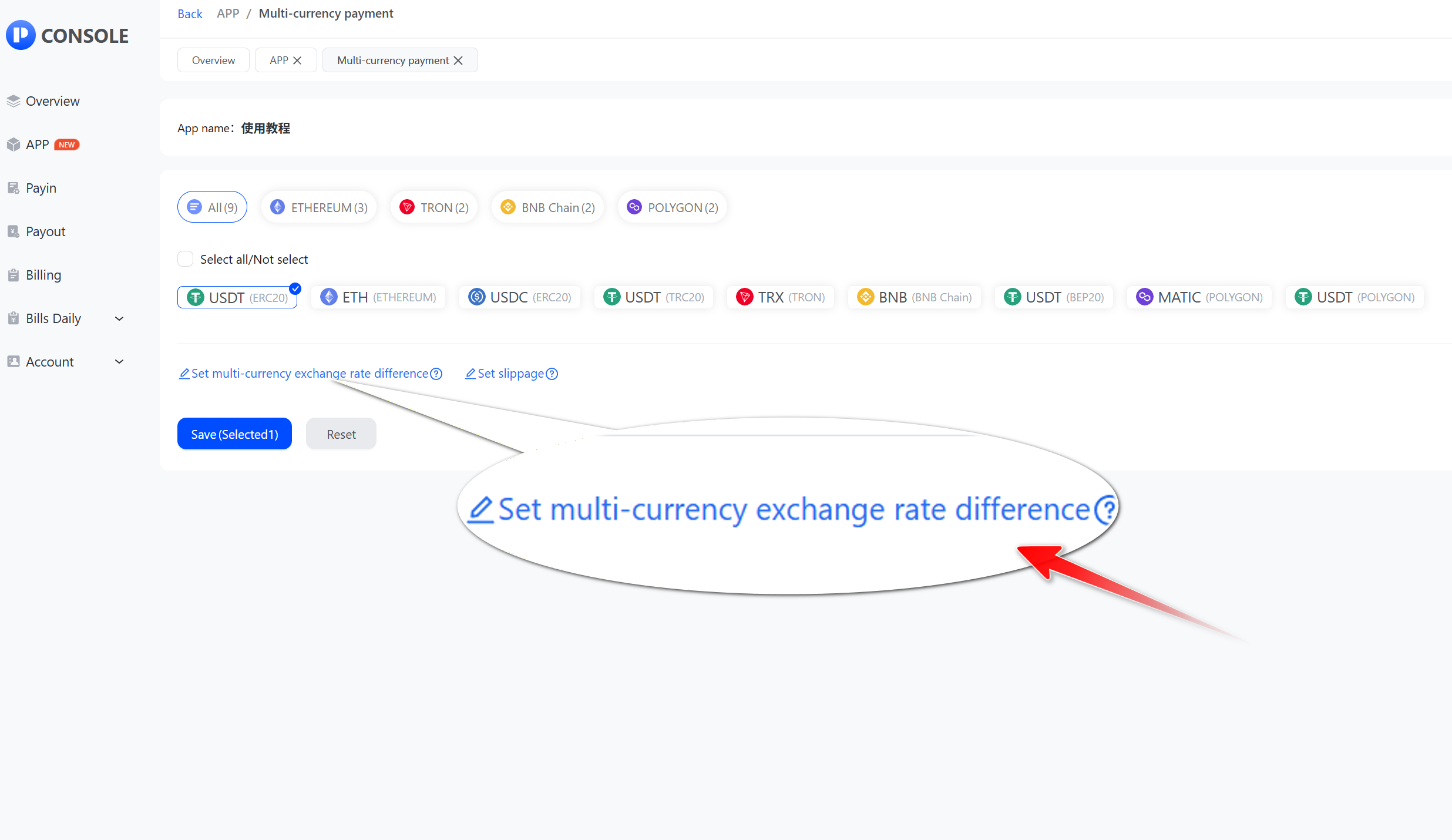
- Select the public chain and click "Edit".
_sf6zw@memg6lvw@1536x761.jpg)
- Fill in the rate difference and click "Save".