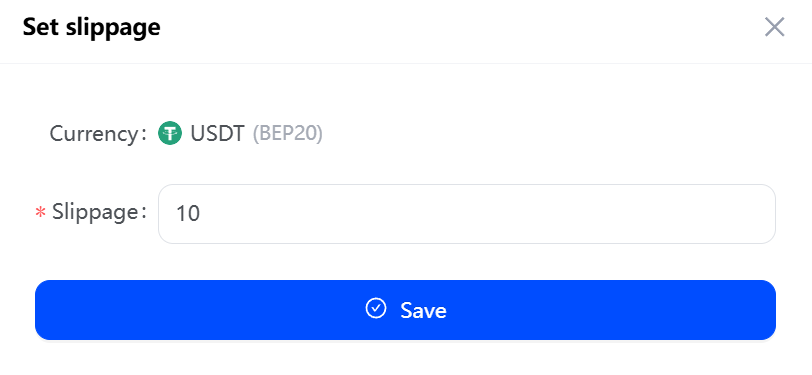
Setting the payin slippage can effectively minimize the order transaction failure due to the difference. For example, if the current order amount is 100USDT, if you set the payin slippage to 10 the user pays 90USDT - 110USDT, and the transaction will be paid through.
- Click “App” and then ‘View’ to access the app list. Select the API app you want to configure, click “Set Currency,” go to the multi-currency payment page, and Click “Set slippage”.
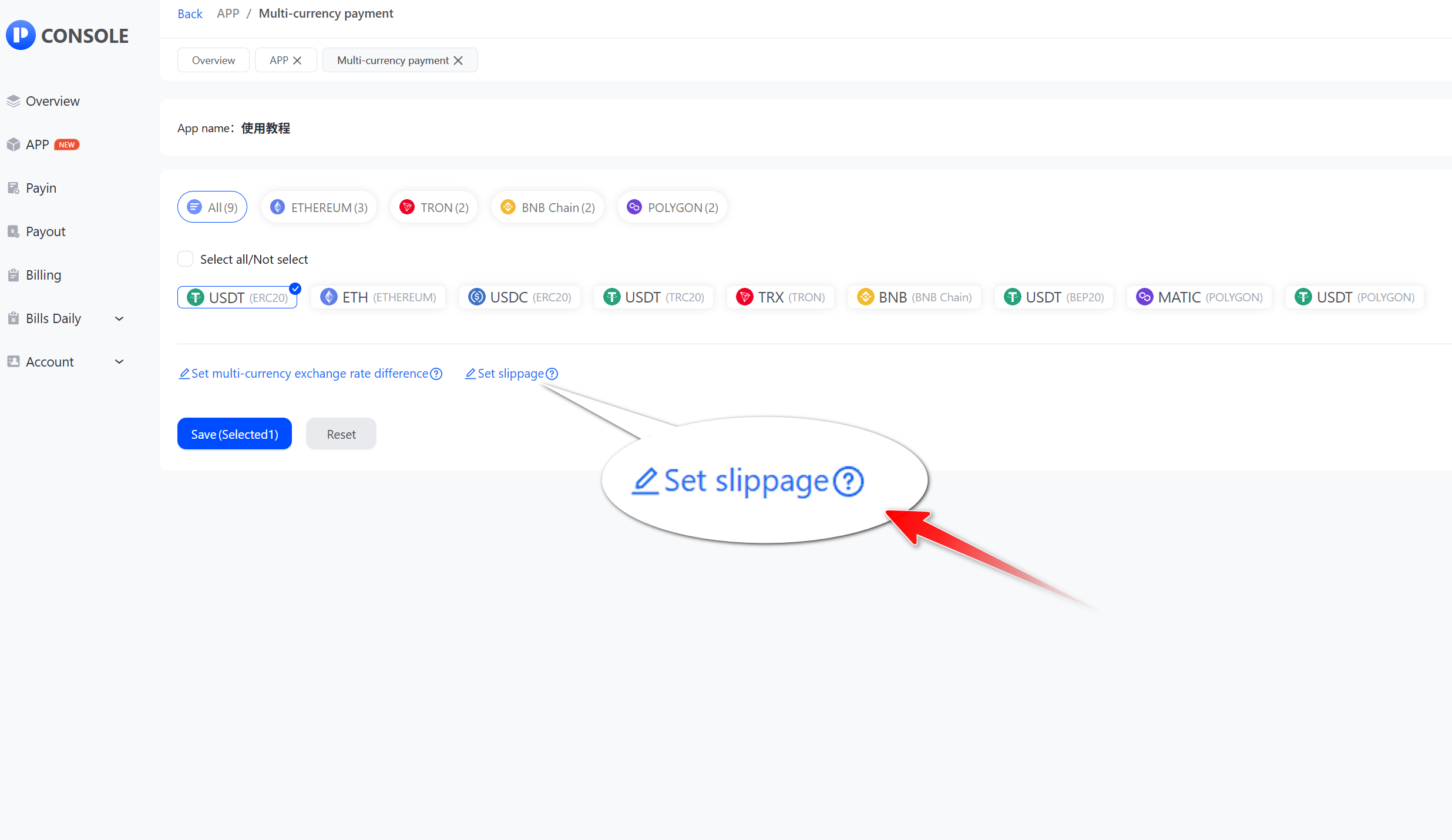
- Select the public chain and click “Edit”.
_mtus8@memkkc3j@1536x757.jpg)
- Enter the slippage and click “Save”.