In the platform collection orders, if the user pays after the order timeout is closed, the merchant needs to make up the order operation to complete the order, the following is the tutorial for making
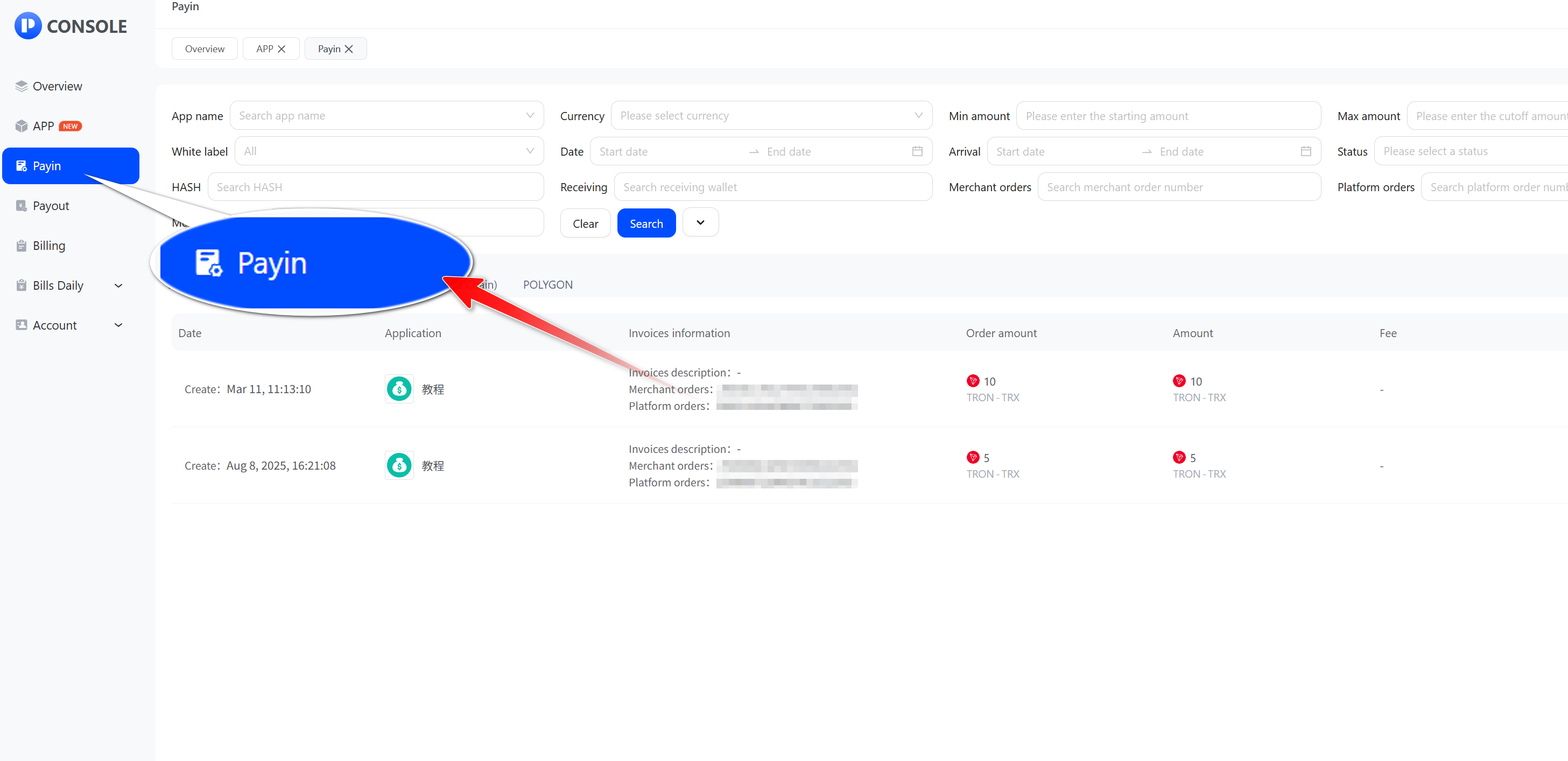
- Login to Merchant Center and Click Payin
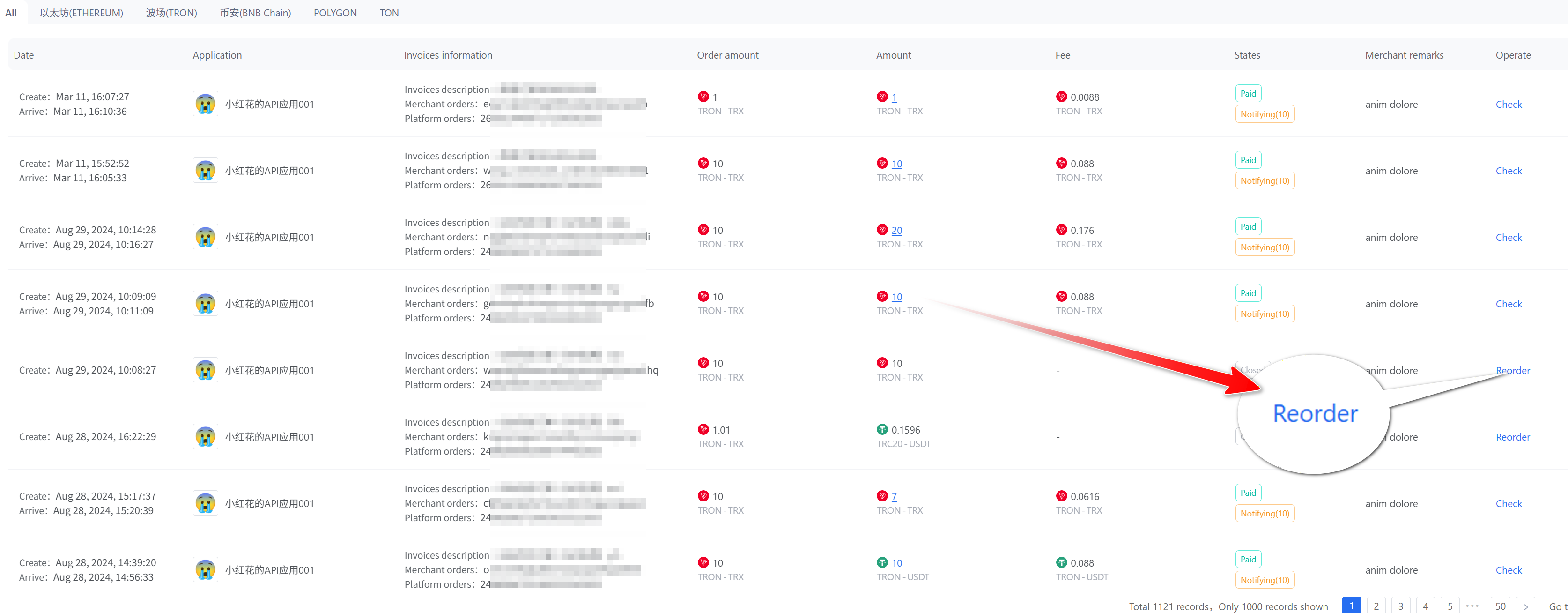
- Find an order that needs to be submitted supplement and Click Reorder
- Enter the actual transaction HASH paid by the customer and click Check order
_swkfj@mequqi39@1536x803.jpg)
supplement may be submitted if the following conditions are met
- Payment has not been made for more than 1 hour after the order is closed
- Receiving wallet adress is the same as the order
- When the transaction amount is not the same, you can check the box to confirm that the HASH transaction amount shall prevail.
_q7cut@mequqw45@1536x996.jpg)
- Confirm the information and click Supplement
_26vdh@mequr7bc@1536x804.jpg)
- Enter your login password and click Submit
_ytntx@mequri7x@1536x808.jpg)
- After the supplement is successful, the order status will be changed to Payment Success, and the system will call back the replenishment hash amount to the merchant callback receiving address
_ts7hv@mequrtus@1536x805.jpg)