APPSECRET is a key that is automatically produced by the system for API access after adding a new app successfully
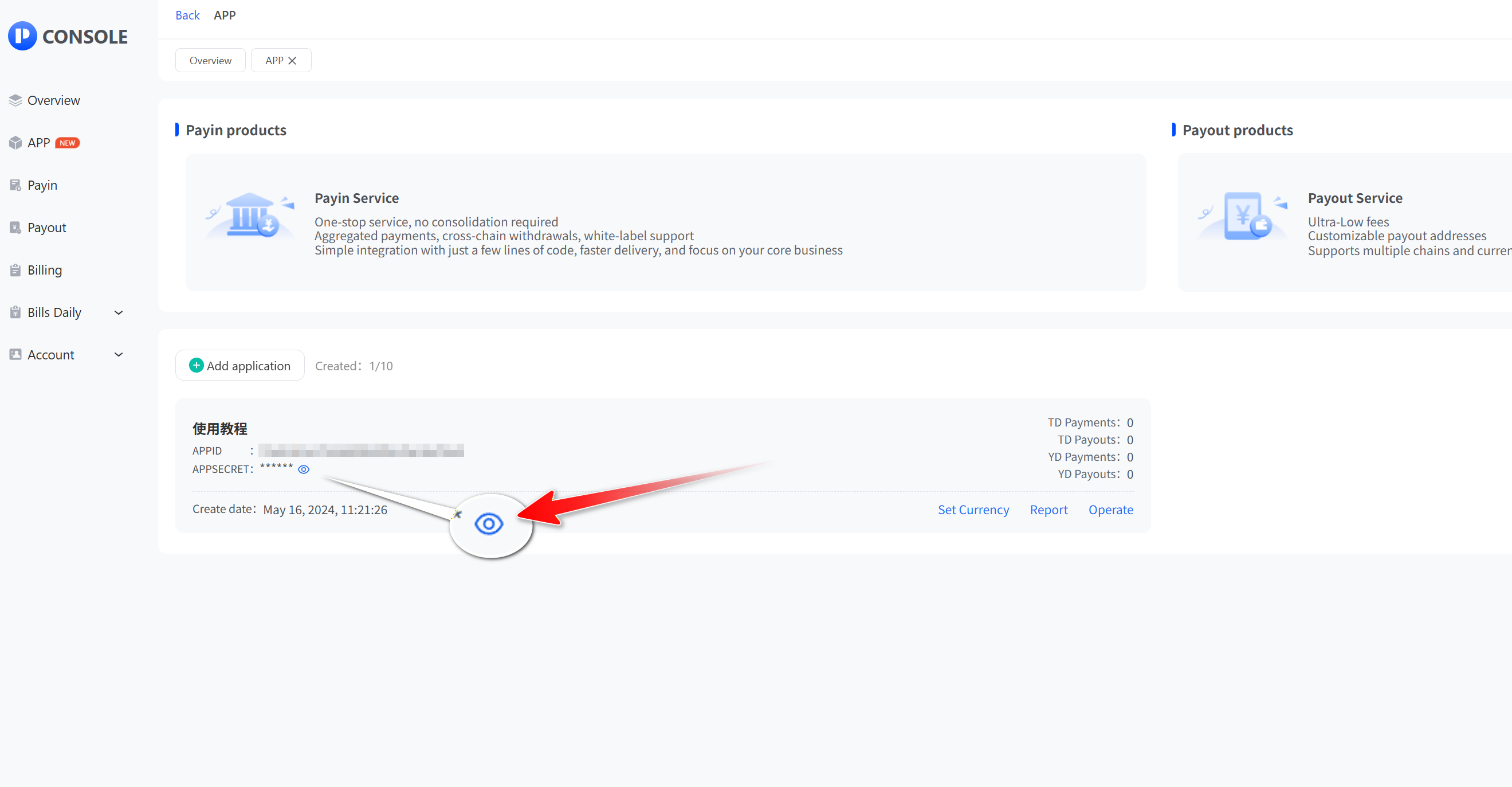
- Click “App” and then “View” to open the app list. Click the Show button next to APPSECRET
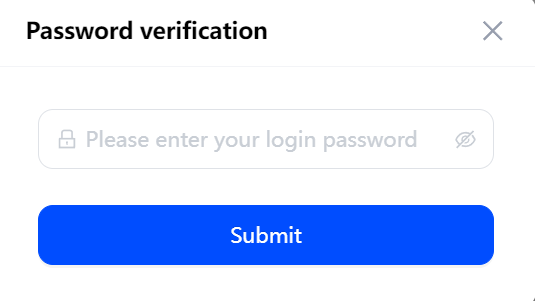
- Enter your login password and click "Submit" to query APPSECRET or reset APPSECRET.
_sse4n@meqpmn6k@729x304.png)