Tokenpay generates individual paymin reports by application on a daily basis, allowing merchants to understand their paymin activities, including transaction volume, number of orders, paymin currency preference, etc., for business analysis, decision-making and optimization. paymin reports are important for merchants to manage funds, monitor business operations and develop marketing strategies.
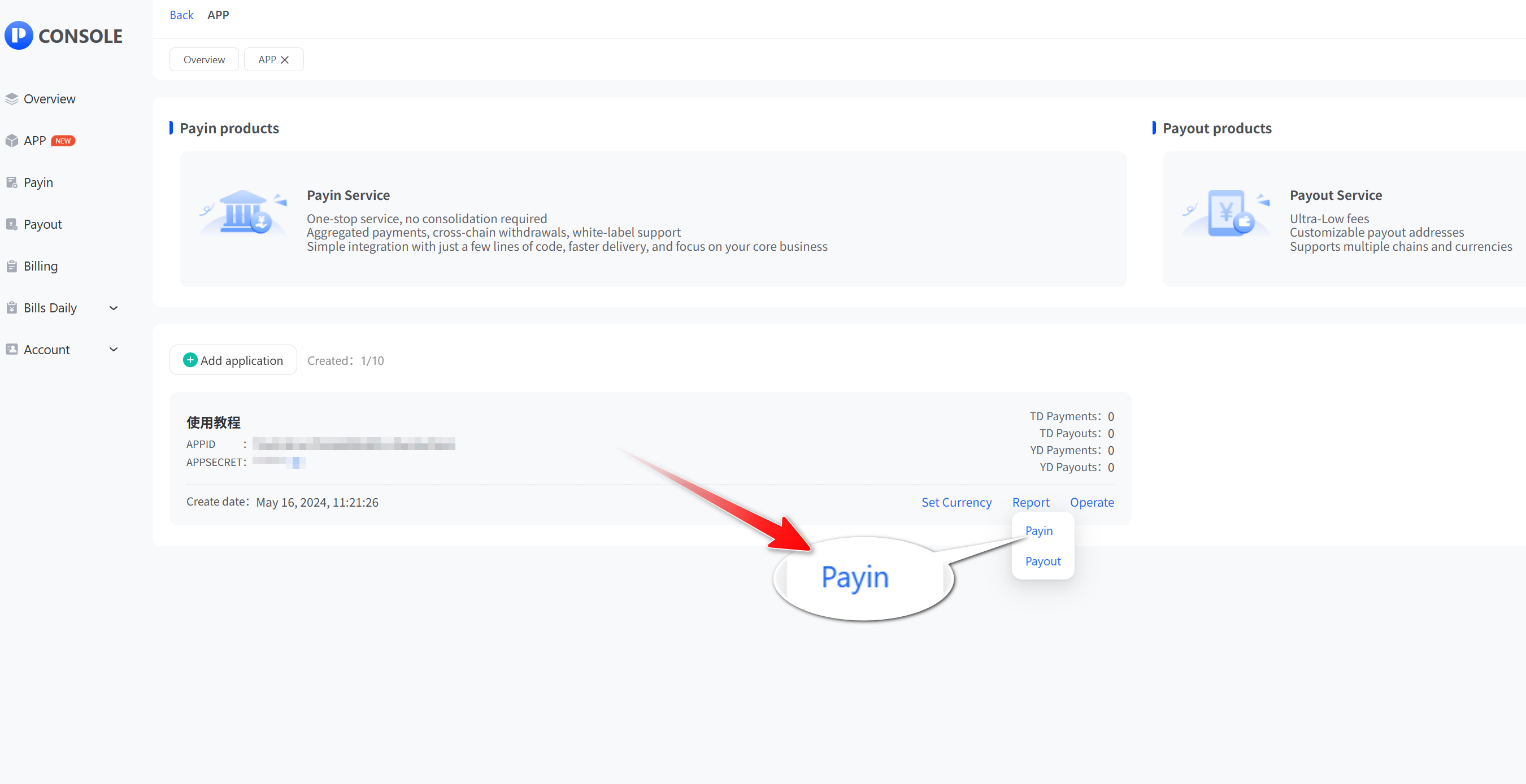
- Click “App” and then ‘View’ to access the app list. Select the API application that you want to view the Payin report and click "Payin".
- In Payin Report, you can query the daily report by application. In Payin Management, you can query the details of each order.
_4zibc@memkxbgy@1536x804.jpg)