Get started quickly, generate payout links or QR codes, create payout codes and send them to individuals without coding. Easy solution for bloggers, anchors and all types of media professionals.
You need to complete the registration process before you can create a payment code.
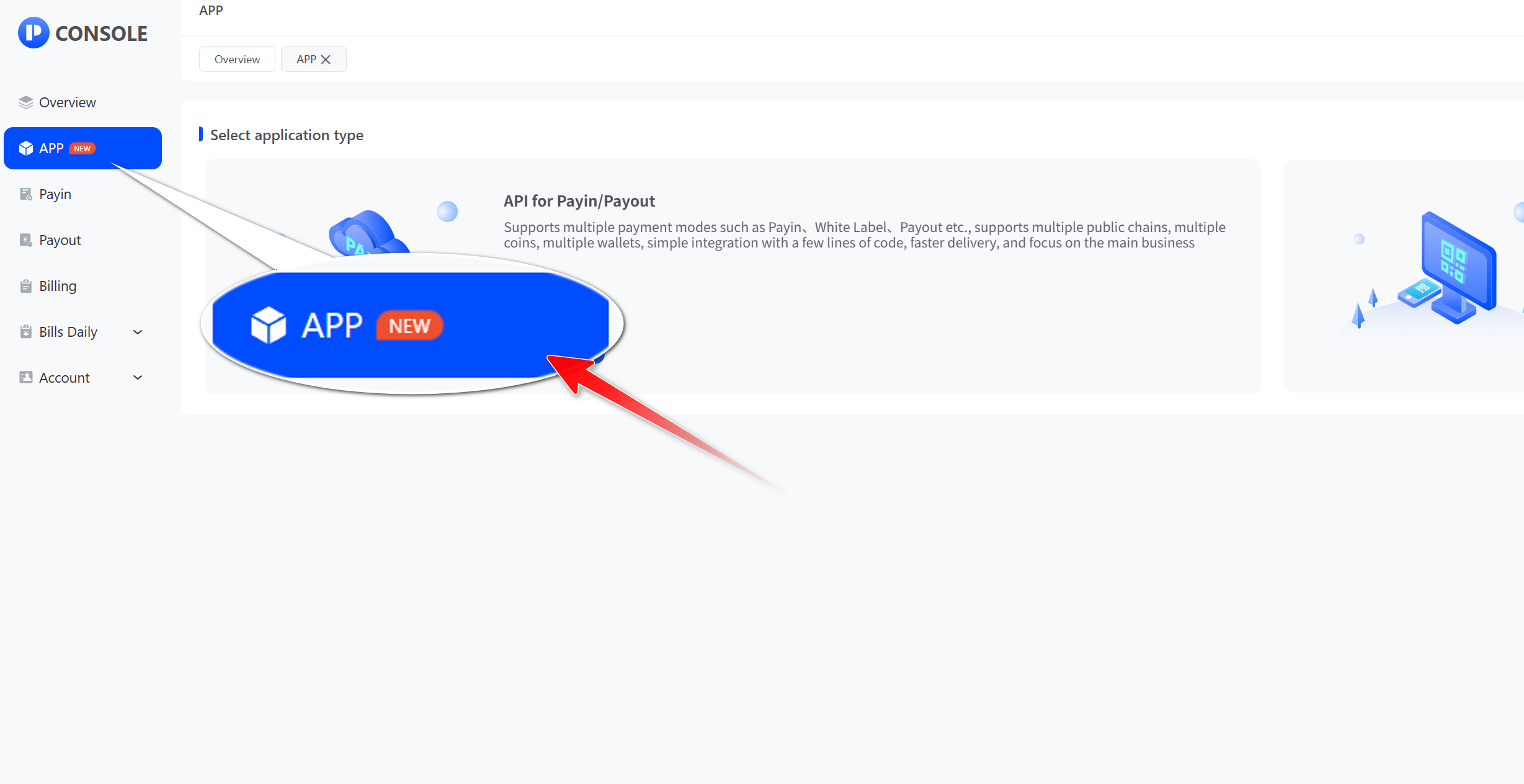
- Click "App"
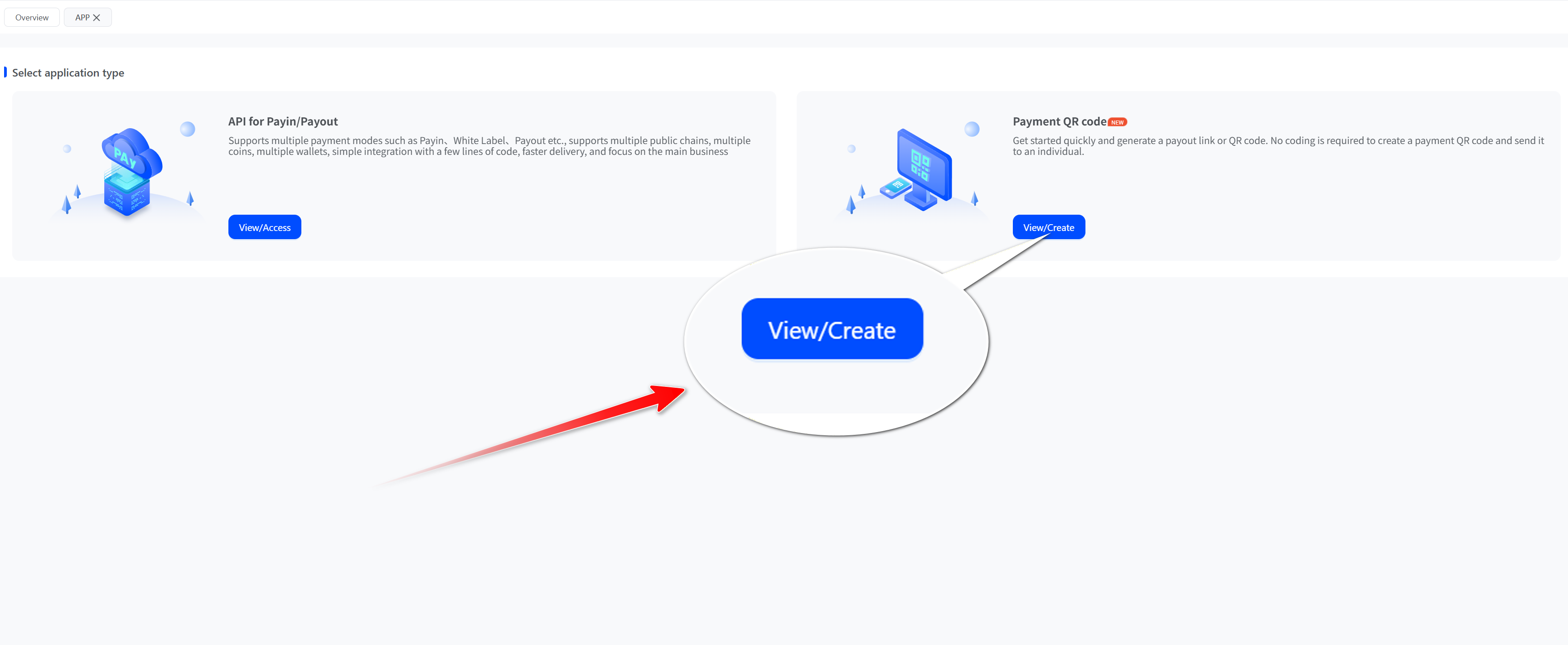
- Select Create Code and click "Create"
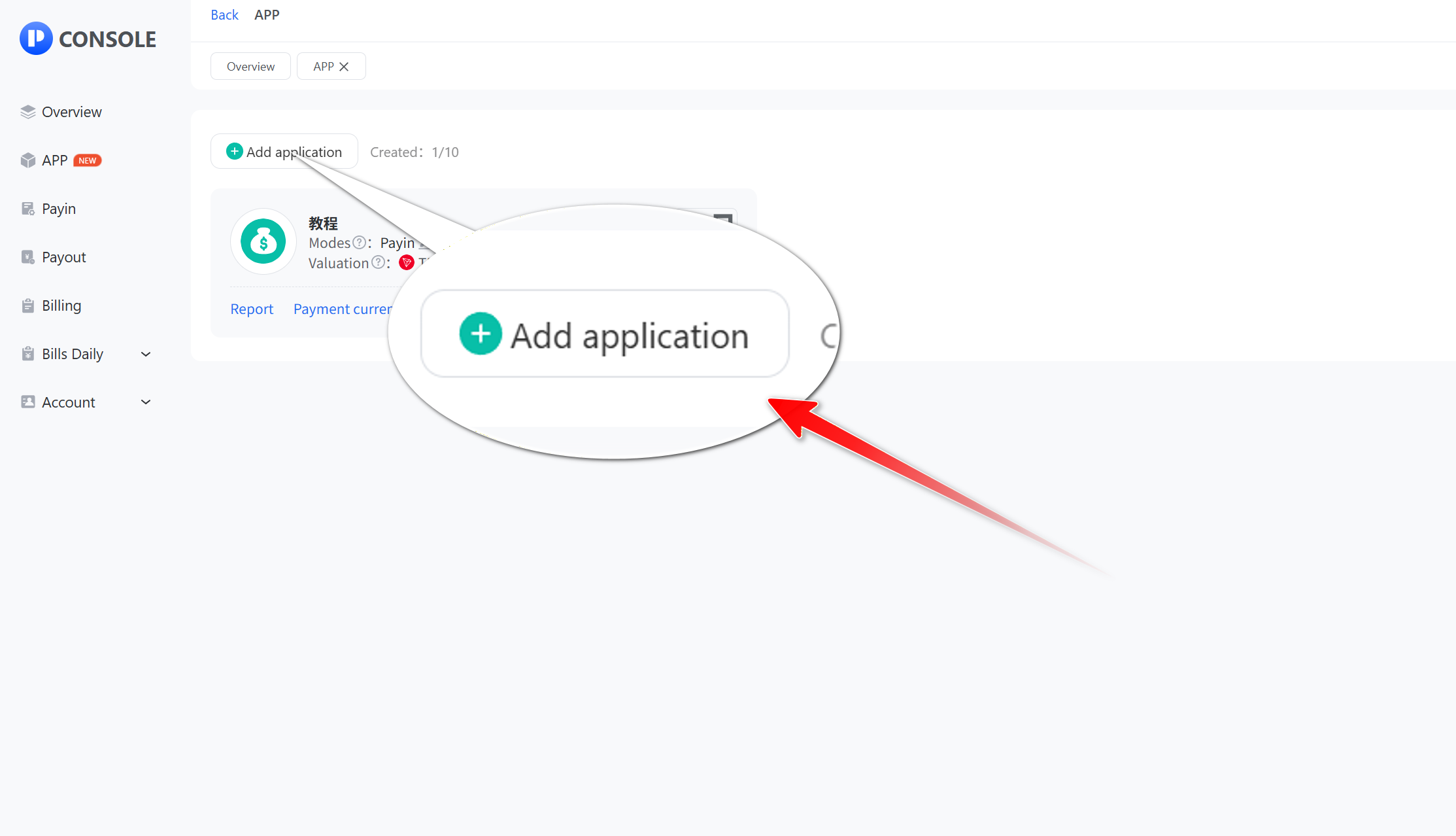
- Click "Add application"
- Fill in the collection name and other relevant information, and set the currency, and then click "Submit".
_zd3yl@mejqkyhh@1478x1076.png)
- After successful creation, we can see the newly added QR code for the app. Then set the QR code payment mode, wallet address, and currency and you are ready to use it.
_vt5bh@mejqm1nu@1536x756.jpg)
- Click the QR code to download the QR code and copy the payout link
_gwyh3@mejqmw61@1536x757.jpg)
_1hpxr@mejqni1n@755x1142.png)